Introduction: The New Era of Behavioral & Hardware Tracking
Modern web platforms—from e-commerce marketplaces to digital advertising networks—employ sophisticated anti-bot tracking systems powered by Cloudflare, Datadome, PerimeterX, and Akamai. These systems no longer rely on simple IP addresses or User-Agent headers to identify users. Instead, they probe deep hardware parameters: Canvas pixel rendering, Web Audio oscillator phase shifts, WebGL vendor strings, WebGPU limits, WebRTC candidate pools, and system font enumerations.
When managing multiple accounts (whether for affiliate marketing, ad verification, social media management, or e-commerce scaling), accessing accounts from a single browser profile causes catastrophic account linkage and immediate bans.
In this guide, we examine how enterprise-grade AntiDetect Browsers (such as IMGlory AntiDetect) allow digital marketers to manage 100+ isolated identities safely.
What is an AntiDetect Browser?
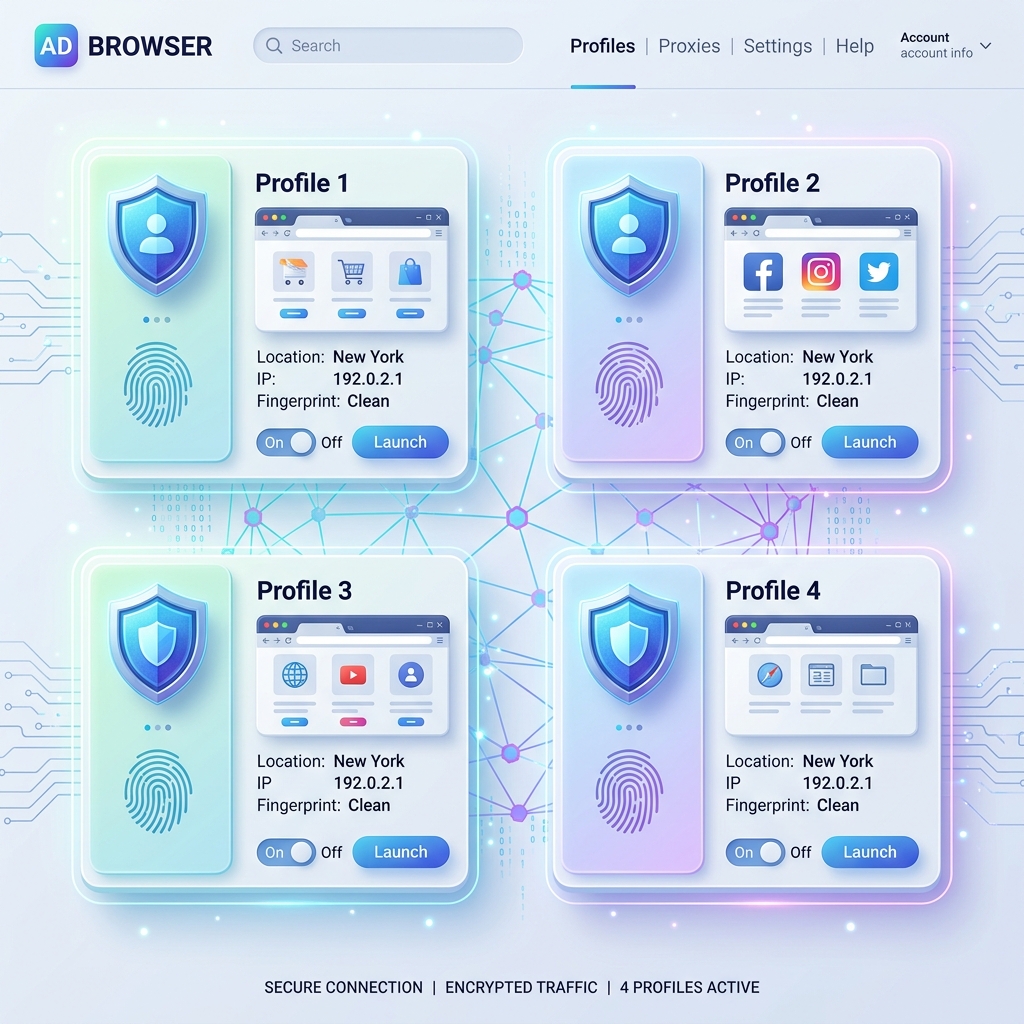
An AntiDetect Browser is a specialized web browser built on Chromium or Gecko (Firefox) source code that creates isolated digital sandboxes. Each browser profile operates with its own unique cookies, session storage, local storage, proxy connection, and randomized hardware fingerprint.
┌──────────────────────────────────────────────────────────────────────────┐
│                     IMGlory AntiDetect Architecture                      │
├───────────────────┬───────────────────┬──────────────────────────────────┤
│ Profile #1        │ Profile #2        │ Profile #3                       │
│ • Canvas Noise: A │ • Canvas Noise: B │ • Canvas Noise: C                │
│ • WebGL: NVIDIA   │ • WebGL: Apple M2 │ • WebGL: Intel Iris              │
│ • Proxy: US SOCKS5│ • Proxy: UK Residential │ • Proxy: JP HTTP         │
└───────────────────┴───────────────────┴──────────────────────────────────┘
Unlike generic browsers that share system-level GPU and CPU identifiers, AntiDetect browsers inject deterministic noise into hardware API calls, convincing anti-bot platforms that each profile is a distinct physical machine.
7 Core Vectors of Browser Fingerprinting Explained
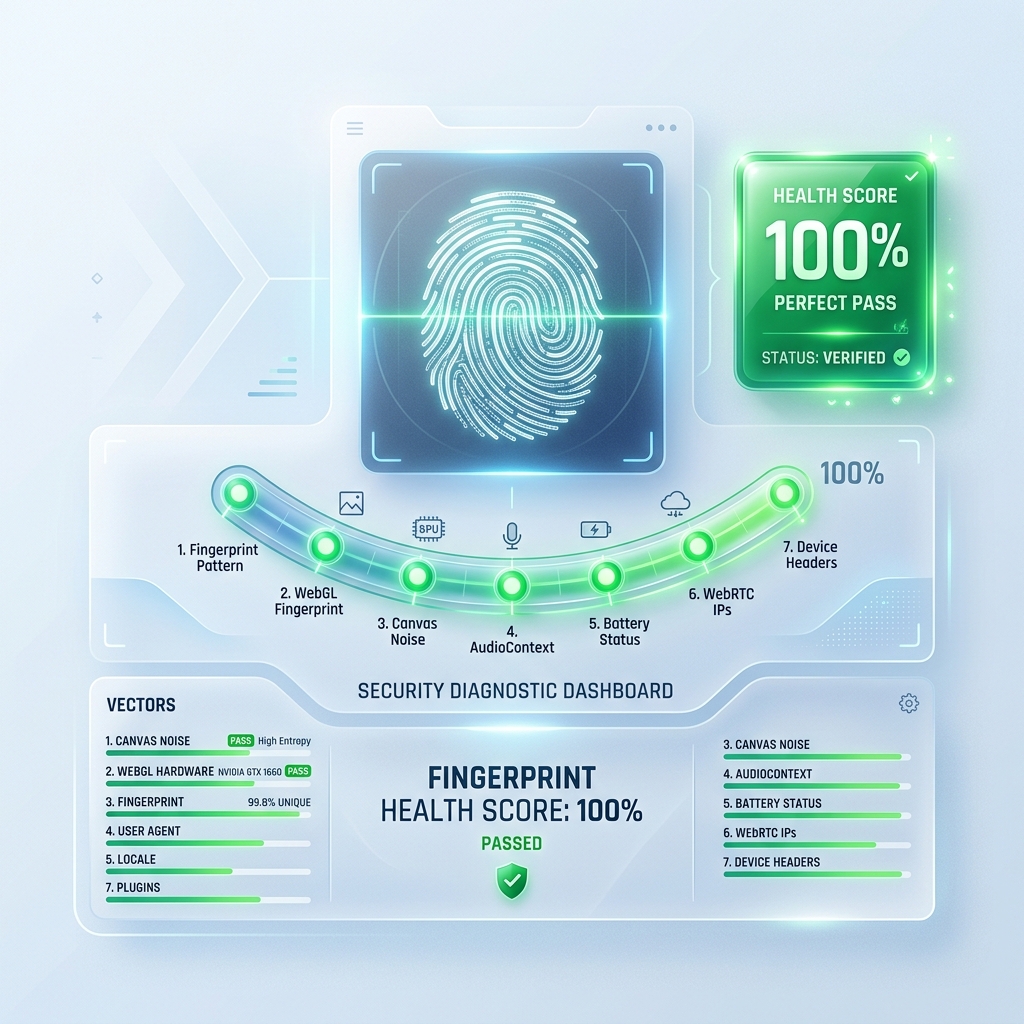
To bypass detection algorithms, an AntiDetect browser must control 7 critical hardware and network vectors:
| Vector | What Anti-Bot Systems Check | How AntiDetect Spoofs It |
|---|---|---|
| Canvas Fingerprinting | Pixel data rendered by HTML5 <canvas> element |
Injects per-profile micro-pixel noise (+0.04% variance) |
| Web Audio API | AudioContext oscillator frequency response | Phase shifts audio output signals deterministically |
| WebGL & WebGPU | Unmasked GPU Vendor & Renderer strings | Overrides GPU driver parameters matching physical presets |
| WebRTC Local Leaks | STUN server requests revealing true real IP | Masks or injects fake local candidate IP pools |
| Timezone & Geolocation | Mismatch between proxy IP and browser time | Syncs IANA timezone (e.g. America/New_York) to proxy |
| Navigator & Concurrency | navigator.hardwareConcurrency & RAM |
Overrides CPU cores and memory allocation matching OS |
| Font & Locale Masking | System font enumeration via CSS/JS measurements | Restricts and masks font lists to match target platform OS |
Step-by-Step: Setting Up a Secure AntiDetect Workflow
Follow these steps to establish a bulletproof multi-account operation:
Step 1: Pair Profiles with Dedicated Residential Proxies
Never use datacenter proxies for high-trust platforms like Google Ads, Facebook Ads, or eBay. Pair each profile with a dedicated SOCKS5 or HTTP residential proxy matching the target account's geographic location.
Step 2: Enable Silent Proxy Authentication
Traditional browser popups asking for user:password can break automation and leak native headers. Use tools with built-in Silent TCP Proxy Forwarding to authenticate proxies silently in the background.
Step 3: Run Fingerprint Health Consistency Scoring
Before launching a profile, run a 7-point consistency test (comparing screen resolution, timezone, WebRTC, and Canvas parameters) to ensure no parameter mismatches trigger bot warnings.
Frequently Asked Questions (FAQ)
Is using an AntiDetect Browser legal?
Yes. AntiDetect browsers are legitimate software tools used globally for digital marketing, privacy protection, ad verification, and security research.
What is the difference between Chromium and Gecko dual-engine support?
Certain platforms flag Chromium-only patterns. Having dual-engine support allows you to run Firefox (Gecko) profiles alongside Chromium profiles for maximum device diversity.
Conclusion
Managing multiple online accounts without getting flagged requires hardware-level isolation. By using an enterprise AntiDetect browser with Canvas noise, WebGL override, and silent proxy authentication, growth teams can scale operations securely in 2026.
Did you find this insightful?
Share this strategy with your network and help others stay ahead of the AI curve.
Browse more tactical guides →