Introduction: Why Random Fingerprints Get Banned
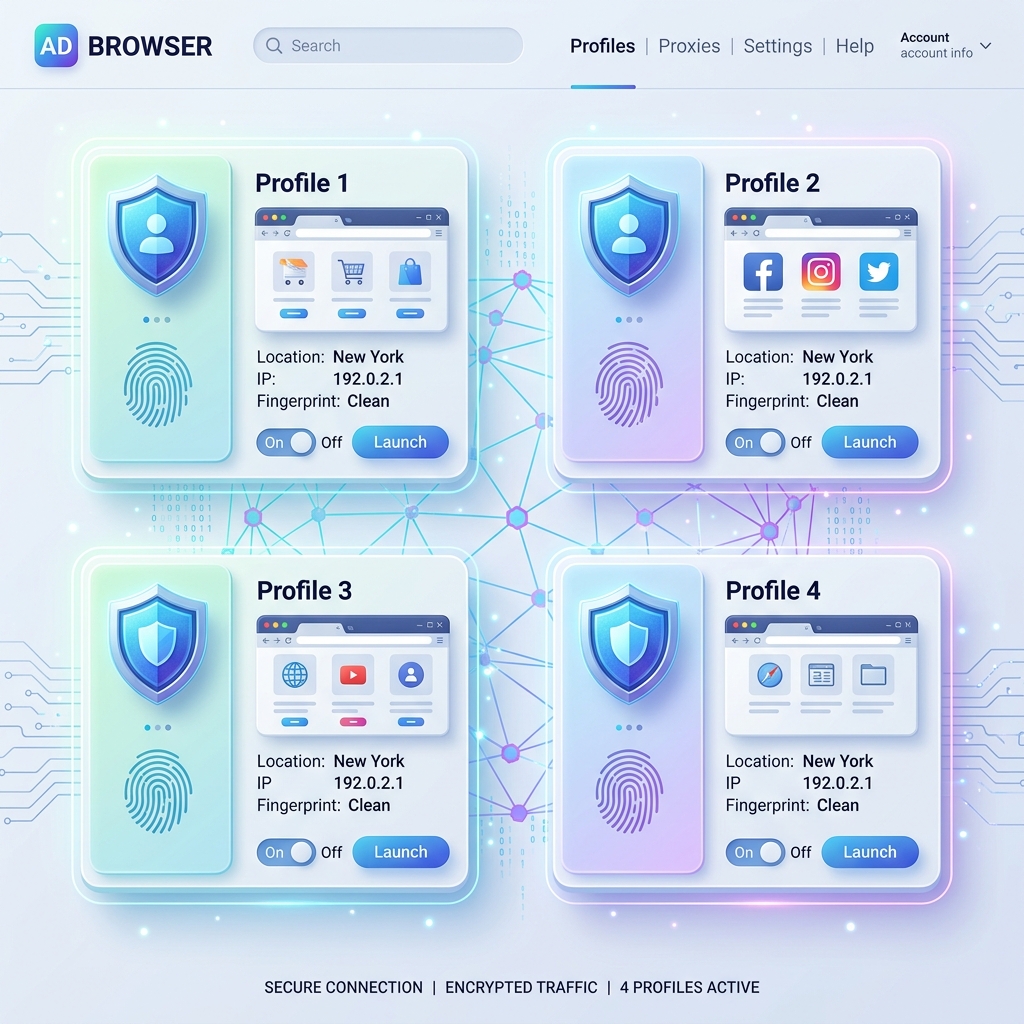
A common mistake in multi-account management is generating completely random browser fingerprints. For instance, pairing a Windows 11 User-Agent header with a Safari font list, or matching a UK residential proxy with a browser configured to America/New_York timezone.
Anti-bot systems (such as Cloudflare Turnstile, Datadome, and PerimeterX) detect these fingerprint inconsistencies instantly. When a browser presents mismatched parameters, the anti-bot engine assigns a high risk score, resulting in immediate CAPTCHAs, session terminations, or permanent account suspensions.
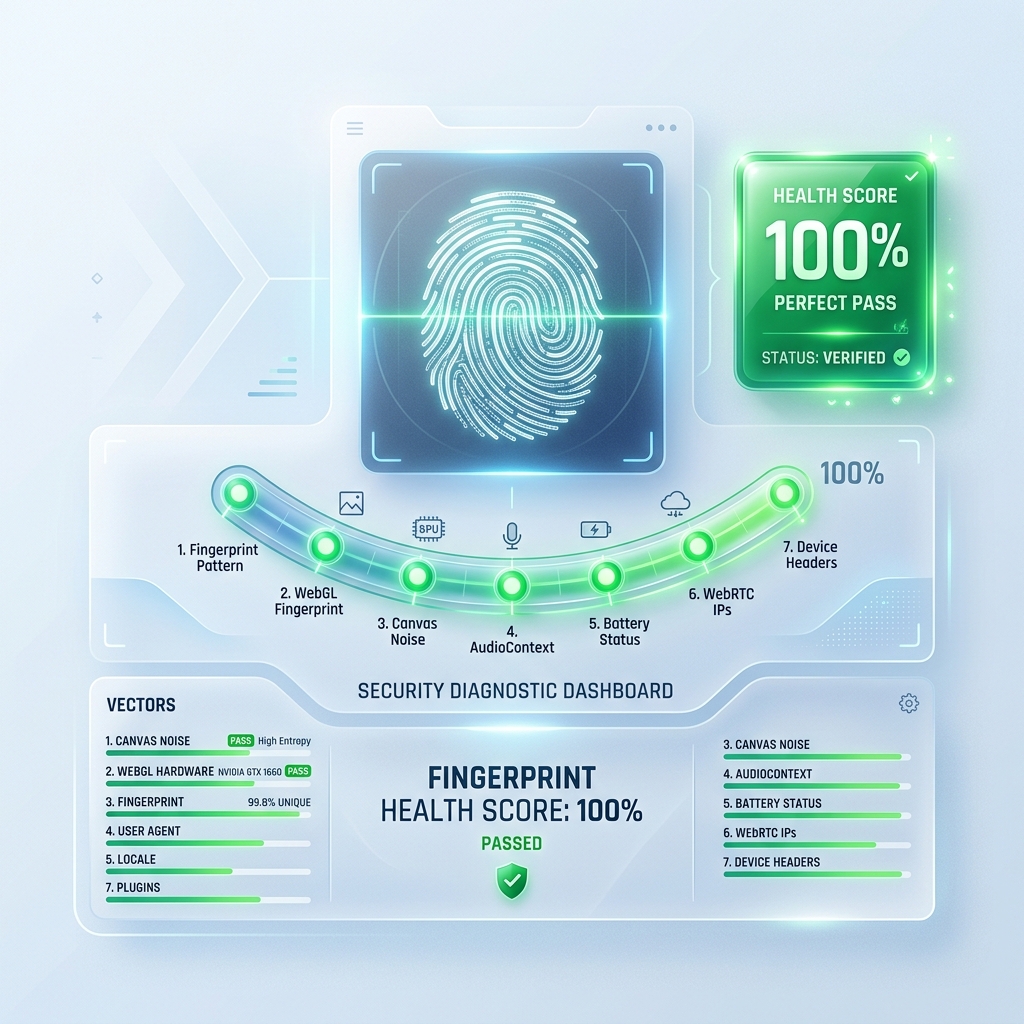
In this technical breakdown, we examine the 7-Vector Health Score system used by enterprise anti-detect platforms to ensure 100% profile consistency.
The 7 Consistency Vectors Analyzed by Anti-Bot Engines
┌──────────────────────────────────────────────────────────────────────────┐
│                   7-Vector Fingerprint Consistency Check                 │
├──────────────────────────────────────────────────────────────────────────┤
│ 1. Canvas Noise     │ 2. Web Audio Phase  │ 3. WebGL / WebGPU Vendor     │
│ 4. WebRTC Masking   │ 5. IANA Timezone    │ 6. Navigator & RAM           │
│ 7. Font Enumeration & Locale Matching                                    │
└──────────────────────────────────────────────────────────────────────────┘
Vector 1: HTML5 Canvas Micro-Noise
Canvas fingerprinting draws hidden text and shapes in the background and computes a hash of the rendered pixels. If two separate accounts generate identical canvas hashes from different locations, the platform links the profiles. AntiDetect browsers inject per-profile deterministic pixel noise (+0.04% variance) so each profile generates a unique, human-like canvas signature.
Vector 2: Web Audio API Oscillator Phase Shift
Web Audio API measures how your audio card processes sound synthesis. AntiDetect engines slightly phase-shift oscillator outputs so no two profiles share identical audio signatures.
Vector 3: WebGL & WebGPU Hardware Presets
Anti-bot scripts query WEBGL_debug_renderer_info to read unmasked GPU vendor and renderer strings (e.g. NVIDIA GeForce RTX 4080). AntiDetect browsers override these strings to match physical hardware profiles.
Vector 4: WebRTC Local IP Leak Protection
WebRTC STUN queries can bypass proxy connections and expose your computer's true local IP address. AntiDetect software forces WebRTC into disabled, fake IP injection, or default privacy modes.
Vector 5: IANA Timezone Synchronization
If your proxy IP originates in Frankfurt, Germany (Europe/Berlin), but your browser reports America/Los_Angeles, anti-bot systems flag the session. The browser must automatically override the JavaScript Intl.DateTimeFormat() timezone to match the proxy IP location.
Vector 6: Navigator & Hardware Concurrency Matching
Parameters like navigator.hardwareConcurrency (CPU cores), navigator.deviceMemory (RAM), and navigator.platform (Win32, MacIntel, Linux x86_64) must logically align with the User-Agent operating system.
Vector 7: System Font Enumeration & Locale Headers
Windows, macOS, and Linux ship with distinctly different default font sets (e.g. Segoe UI vs. San Francisco). The list of available fonts exposed via JS measurements must match the target OS.
How to Test Your Profile Consistency Score
- Launch Your AntiDetect Profile: Open your configured browser instance.
- Run Consistency Diagnostics: Visit fingerprint audit suites like
Pixelscan,CreepJS, or the built-in IMGlory 7-Point Health Validator. - Confirm 100% Pass Rating: Ensure all 7 vectors pass consistency checks before logging into target accounts.
Conclusion
Randomized fingerprints trigger anti-bot algorithms. Maintaining strict hardware, location, and OS consistency across all 7 vectors guarantees profile stealth and prevents account suspensions.
Did you find this insightful?
Share this strategy with your network and help others stay ahead of the AI curve.
Browse more tactical guides →