Introduction: Selecting the Right Automation Stack in 2026
Modern marketing and growth operations rely on continuous workflow automation: pulling leads from web forms, enriching contact data, running site audits, generating social media content, and updating CRM records.
When building automation systems, growth engineers generally evaluate three major technologies:
- n8n: The open-source, self-hostable workflow engine.
- Make (formerly Integromat): The cloud-native visual integration platform.
- Custom Playwright Workflows: Browser-level headless automation routines.
In this architecture guide, we analyze when to use API-based workflow platforms (n8n / Make) vs. browser-level automation engines (Playwright).
Technical Comparison Matrix
| Vector | n8n | Make (Integromat) | Playwright Automation |
|---|---|---|---|
| Execution Architecture | API / Webhook Driven | API / Webhook Driven | DOM / Browser Rendering Engine |
| Self-Hosting Support | Yes (Docker / Node.js) | No (Cloud Only) | Yes (Local / Monorepo Node.js) |
| Anti-Bot Bypass | API Keys Only | API Keys Only | Full Browser Fingerprint Spoofing |
| Data Scraping | Structured JSON / REST | Structured JSON / REST | Complex Single Page Apps (SPA) |
| Execution Cost | Free Self-Hosted | Per-Operation Pricing | Free / Local CPU Computation |
| Ideal For | Backend API Pipelines | Quick SaaS Integrations | Web Scraping & Complex Web UI |
When to Use API Workflows (n8n / Make)
API workflow platforms excel when connecting standard SaaS products with published REST or GraphQL endpoints (e.g. connecting HubSpot to Slack, or OpenAI to Google Sheets).
Best Use Cases:
- Lead Routing: Triggering instant Slack notifications when a webhook receives a form submission.
- AI Content Processing: Feeding blog drafts into OpenAI models and publishing formatted content to WordPress.
- Data Transformation: Normalizing JSON data across multiple cloud APIs.
When to Use Playwright Browser Automation
API platforms fail when target websites do not offer public APIs, require complex login sessions, or use JavaScript-heavy frontends behind anti-bot protections.
Best Use Cases:
- Web Scraping Single Page Apps (SPAs): Interacting with React or Vue web apps that render data dynamically via DOM scripts.
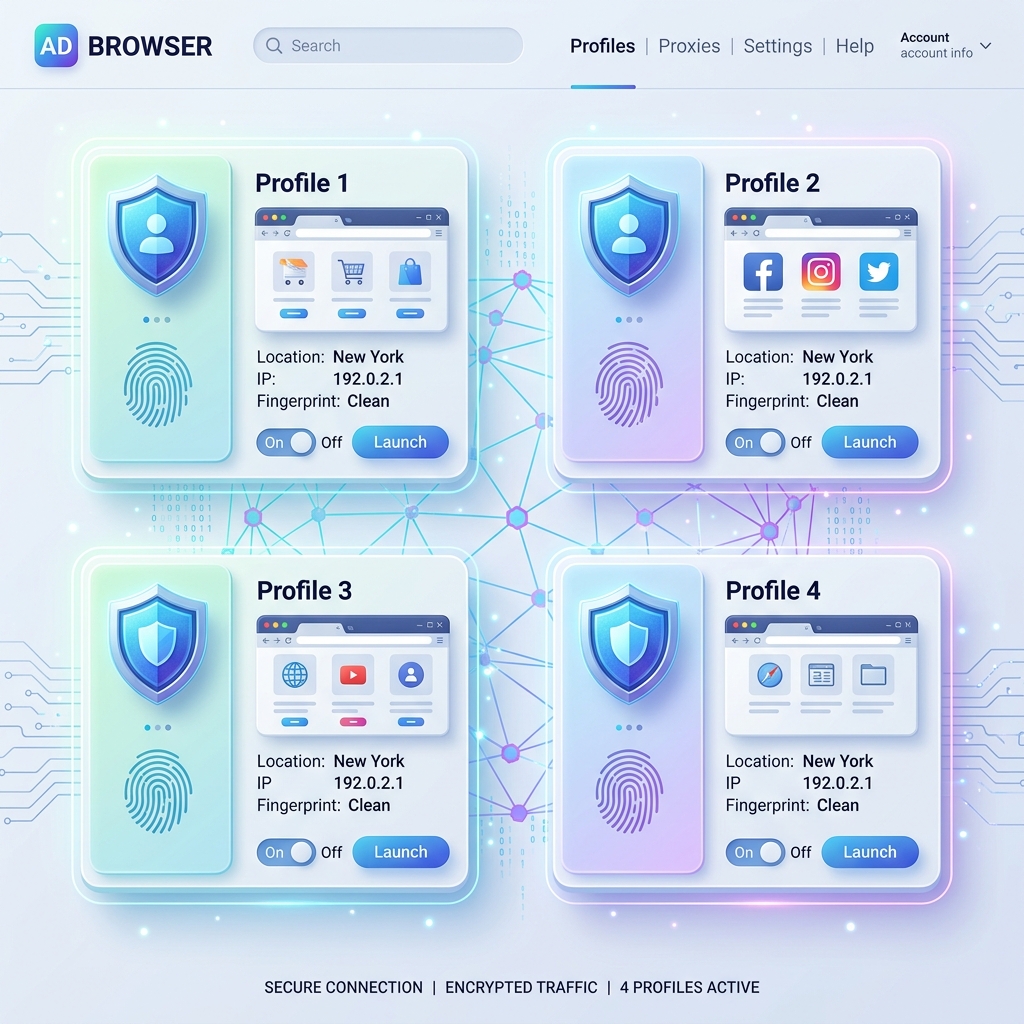
- Multi-Account Action Automation: Simulating human clicks, form fills, and navigation inside isolated anti-detect profiles.
- Visual Evidence Screenshots: Capturing full-page screenshots of published campaigns for client reporting.
Hybrid Architecture: Combining n8n & Playwright
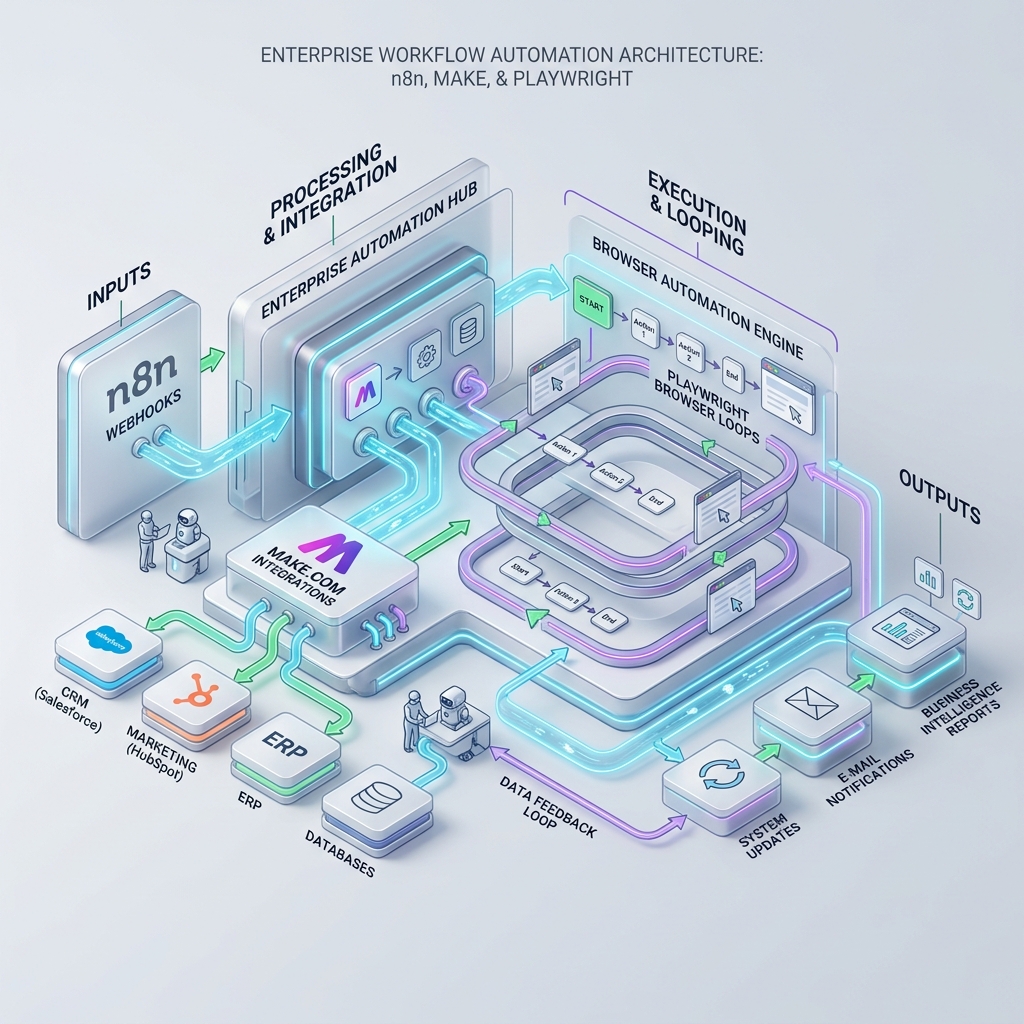
The most powerful marketing stack combines both engines:
- n8n acts as the central workflow orchestrator, receiving webhooks and scheduling jobs.
- n8n triggers a Playwright REST API (or NestJS runner) to perform browser-level interactions inside AntiDetect sandboxes.
- Playwright returns scraped payloads back to n8n for database insertion.
Conclusion
API workflow platforms (n8n and Make) handle SaaS integration, while Playwright powers browser-level UI automation. Implementing a hybrid model delivers total coverage for enterprise automation.
Did you find this insightful?
Share this strategy with your network and help others stay ahead of the AI curve.
Browse more tactical guides →