Introduction: The Hidden Friction of Authenticated Proxies
When managing high-volume residential or mobile proxy pools, almost every IP address requires authentication via username and password credentials (user:pass@host:port).
However, standard web browsers (including standard Chromium and Firefox builds) handle HTTP/SOCKS proxy authentication by opening an OS-level or native browser modal dialog box: Authentication Required.
In automated web workflows (such as Playwright, Puppeteer, or background scrapers), this popup dialog halts script execution, freezes DOM interactions, and frequently leaks native headers before proxy authentication completes.
How Silent Local TCP Forwarding Solves Proxy Modal Popups
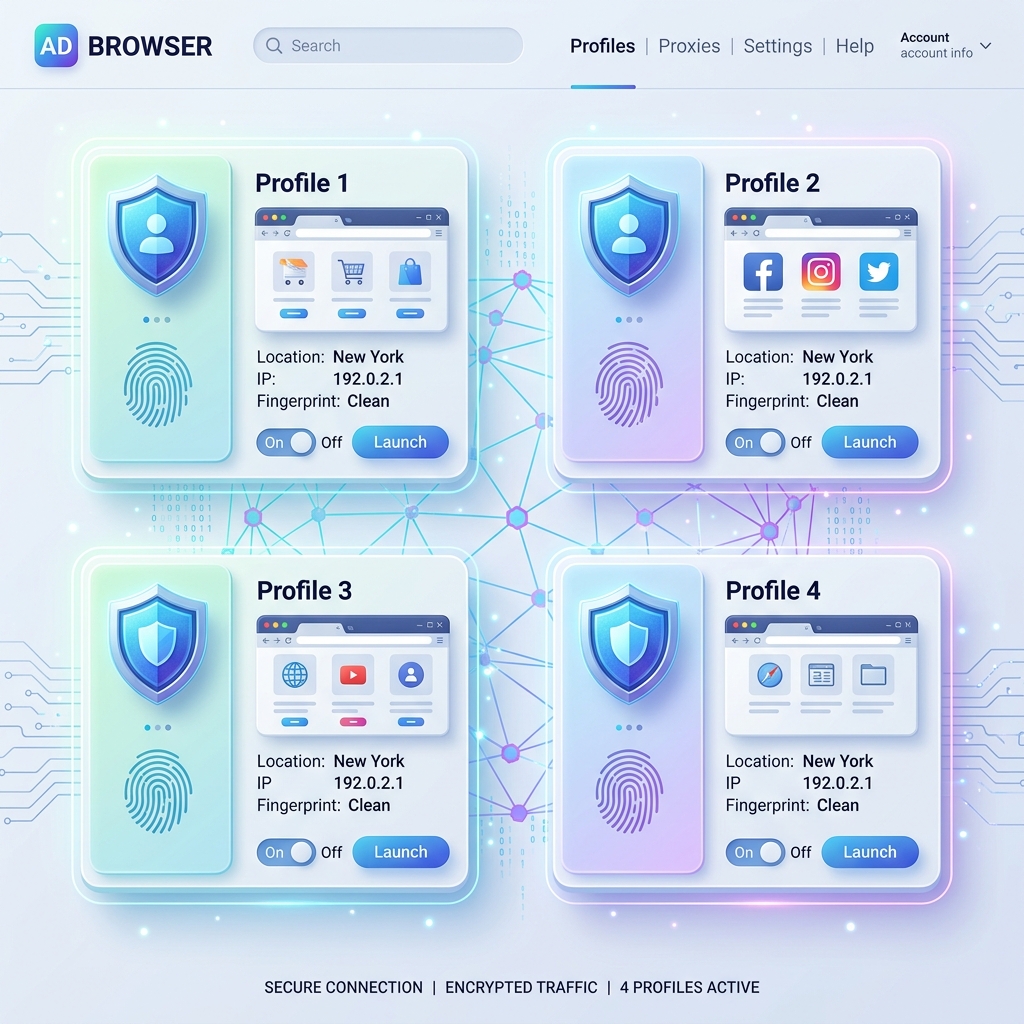
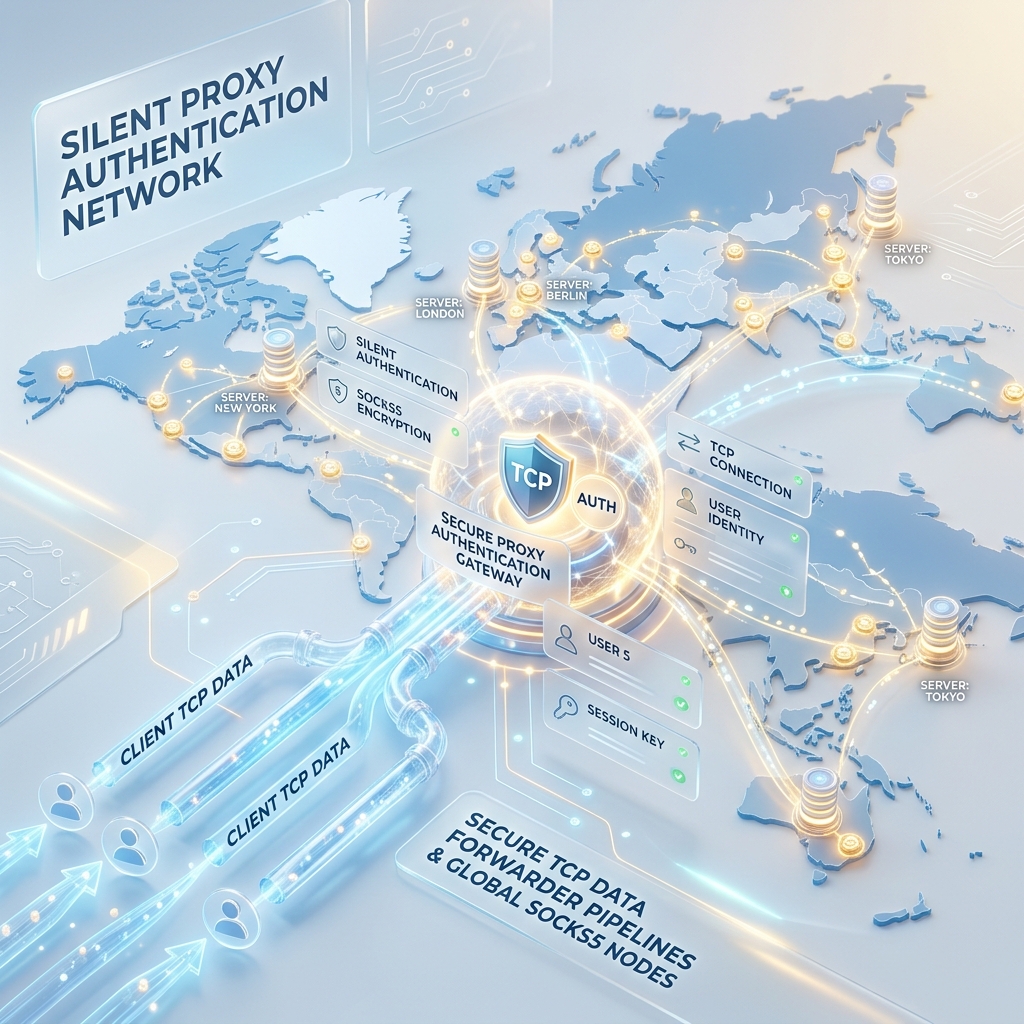
To solve this friction, advanced AntiDetect browsers like IMGlory AntiDetect incorporate a local Silent TCP Authentication Forwarder.
┌─────────────────┐       ┌───────────────────────────────┐       ┌─────────────────────┐
│  Browser Engine │ ────> │ Local TCP Forwarder (127.0.0.1)│ ────> │ Remote Proxy Server │
│ (No Popup Modal)│       │ (Injects Auth Headers/Sockets)│       │ (Authenticated IP)  │
└─────────────────┘       └───────────────────────────────┘       └─────────────────────┘
The Technical Mechanism:
- Local Loopback Listener: The browser profile points its network settings to an unassigned local port (e.g.
127.0.0.1:41000). - Background Header Injection: The local forwarder receives the outgoing browser socket requests and automatically negotiates the HTTP/SOCKS4/SOCKS5 handshake with credentials (
user:password). - Transparent Pass-Through: The browser sees a local unauthenticated socket connection, eliminating native authentication modal popups completely.
Protocol Comparison: SOCKS5 vs. HTTP/S vs. SOCKS4a
| Protocol | Auth Handling | UDP Support | DNS Resolution Location | Ideal Use Case |
|---|---|---|---|---|
| SOCKS5 | Full User/Pass Handshake | Yes (UDP/WebRTC) | Remote Proxy Server | AntiDetect Browsers & Multi-Account Ad Management |
| HTTP / HTTPS | Proxy-Authorization Header |
No (TCP Only) | Remote Proxy Server | Web Scraping & API Scraping |
| SOCKS4 / SOCKS4a | IP Whitelist / User ID | No | Remote (SOCKS4a) / Local (SOCKS4) | Legacy Infrastructure |
Step-by-Step Configuration for Silent Proxy Auth
- Format Proxy Strings: Prepare proxy lists in
protocol://user:pass@host:portformat. - Assign Per Profile: Map each distinct proxy URL to its designated browser profile sandbox.
- Verify Proxy Health: Test latency, exit IP location, and WebRTC leak status before launching sessions.
Conclusion
Silent TCP Proxy Authentication removes native browser authentication dialogs, allowing automated scripts and multi-account managers to run smoothly without popup interruptions or IP leaks.
Did you find this insightful?
Share this strategy with your network and help others stay ahead of the AI curve.
Browse more tactical guides →